How to Measure Your Website’s Success: GA4, Search Console and the Numbers That Matter
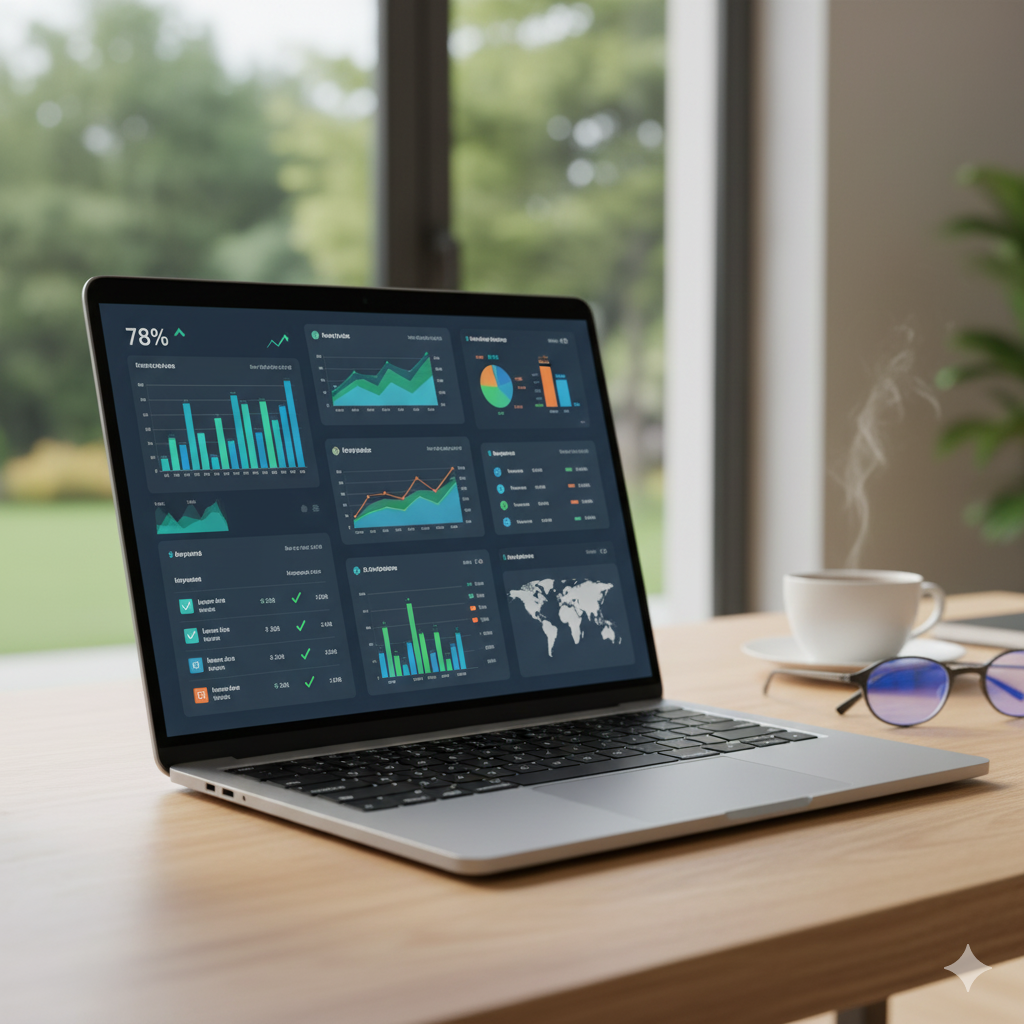
To measure your website's success, focus on: the number of real conversions (calls, WhatsApp messages, forms, purchases) and where each came from, then visits by source, conversion rate, and your top pages. Set up Google Analytics 4 with phone and WhatsApp clicks and form submissions tracked as key events, and connect Google Search Console to see your impressions, clicks and keywords on Google. Review a simple report once a month.
A question we ask every new client who has a website: “How many customers did your website bring you last month?” The answers range from “I don’t know” to “surely some people visit”. The truth is that if you don’t measure, you can’t improve, and you can’t know whether the money you spent on the website or ads came back to you.
The good news: you don’t need to be a data analyst. You need a correct setup once, and 15 minutes a month.
The numbers that really matter to a business owner
Forget dozens of reports. Focus on these five questions:
- How many real conversions happened? Calls, WhatsApp messages, forms, purchases, bookings.
- Where did they come from? Organic Google search, ads, social, direct visits, referrals.
- How many visitors came from each source?
- What is the conversion rate? Conversions ÷ visits, for each source and each important page.
- Which pages bring the most visits and the most customers?
All the other numbers (session duration, pages per visit…) are useful for diagnosis, but they aren’t the goal.
Tool one: Google Analytics 4
GA4 tells you what happens inside your website. The most important things to set up:
1. Correct installation
The GA4 code on every page of the website, directly or through Google Tag Manager, making sure visits are recorded correctly and not counted twice.
2. Key events (conversions)
This is the secret. GA4 doesn’t automatically know what a “customer” is on your website. You have to tell it:
| Event | What it measures |
|---|---|
| Phone number click | Intent to call from mobile |
| WhatsApp button click | A potential conversation starting |
| Contact form submission | A completed request or enquiry |
| Purchase completed | Sales and their value (for stores) |
| Appointment booked | Completed bookings |
Then mark these as “key events” in GA4, and import them into Google Ads if you advertise, so Google optimizes your campaigns for customers, not clicks.
3. Campaign links (UTM)
When you put your website link in a post, a message or an ad outside Google, add UTM parameters so you know exactly which campaign brought the visitor.
Tool two: Google Search Console
Search Console tells you what happens on Google before a visitor arrives. What should you check?
- Performance: impressions, clicks, click-through rate and average position.
- Queries: the keywords you appeared for. A goldmine for discovering what your customers actually search for.
- Pages: which of your pages appear most.
- Indexing: are your important pages indexed? What are the errors?
- Page experience and Core Web Vitals: are there slow pages?
- Security and manual action alerts.
A tip: look in the queries for keywords with many impressions but few clicks. They usually need a better title and description, or a dedicated page on that topic.
Tool three: Google Business Profile
For local businesses, your Google Business Profile gives important numbers: how many people saw your business on the map, how many called directly from the profile, how many asked for directions, and how many visited your website.
A monthly report in 15 minutes
A simple table to fill in every month:
| Metric | This month | Last month |
|---|---|---|
| Total visits | ||
| Visits from organic Google search | ||
| Visits from ads | ||
| Phone clicks | ||
| WhatsApp clicks | ||
| Forms submitted | ||
| Sales / bookings | ||
| Google impressions (Search Console) | ||
| Top 3 pages for bringing customers |
Over time you’ll notice patterns: which service brings more, which article leads to requests, which campaign deserves a bigger budget.
Common measurement mistakes
- Installing GA4 without setting up any key events.
- Counting your own team’s visits in the numbers.
- Managing accounts from the agency’s email instead of yours.
- Judging campaigns by clicks instead of conversions.
- Comparing periods of different length or season without noticing.
Make sure your GA4, Search Console and Google Business accounts are owned by you, with the agency added as a user only. This is part of the contract clauses we recommend.
Every website we deliver comes with this setup ready. And if you have a website and want tracking set up properly, contact us. Or read about our Google Ads management, built on real conversions.
Frequently asked questions
What is the difference between Google Analytics and Search Console?
Search Console tells you what happens before a visitor enters your website: how often you appeared on Google, for which keywords, how many clicks, and whether there are indexing problems. Google Analytics tells you what happens after they arrive: where they came from, what they did, and whether they became a customer.
Can WhatsApp messages be tracked?
You can track clicks on your website's WhatsApp button as an event in GA4 and as a conversion in Google Ads. Not every click becomes a conversation, but it's a strong and very useful indicator for comparing pages and campaigns.
How often should I review my website's numbers?
A short monthly review is enough for most businesses, with a quick weekly look if you are running ad campaigns.
Do I need paid tools?
For most businesses, GA4, Search Console and Google Business Profile are free and enough. Paid tools help with competitor research and advanced keyword research.